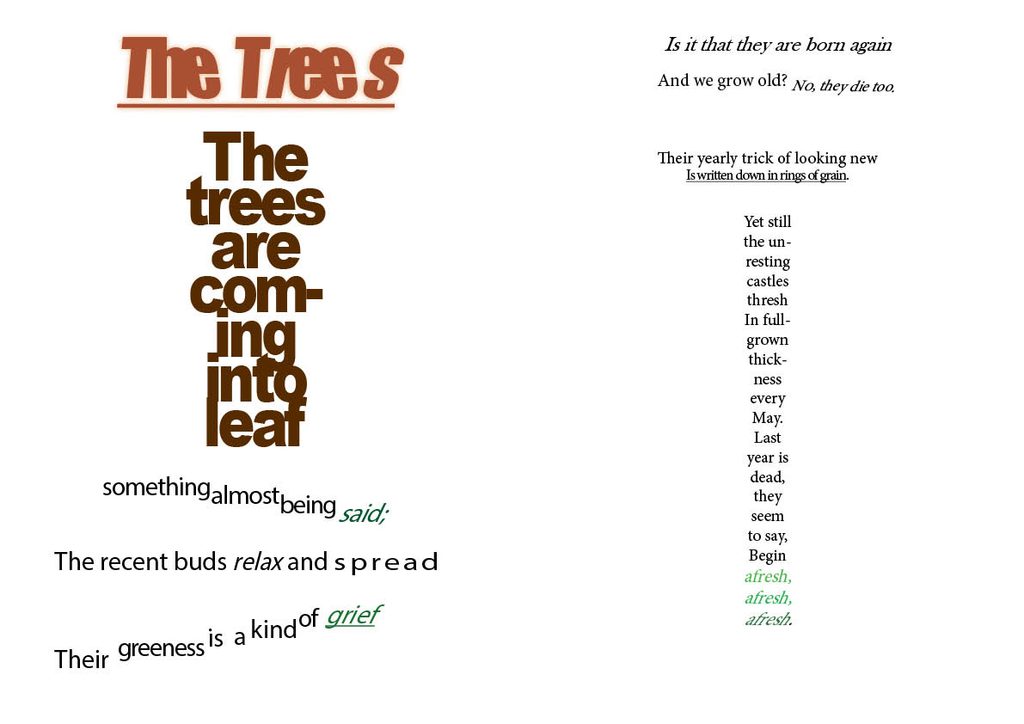
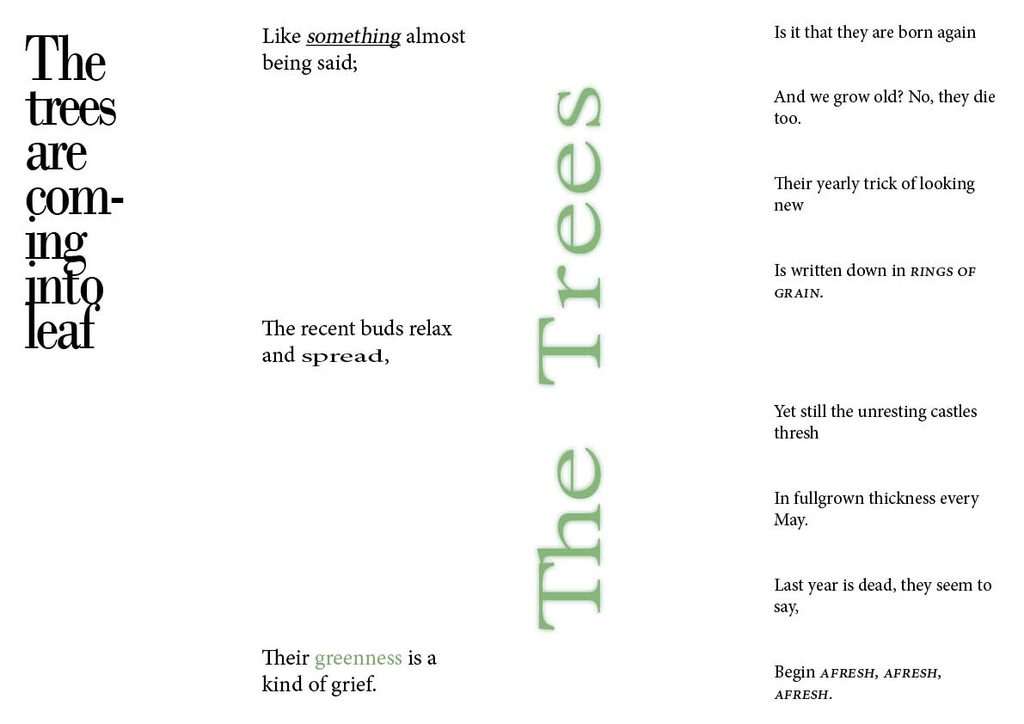
For this task, I chose the poem The Trees by Philip Larkin and explored how typography can change the way the poem is read and understood. I created two different DPS designs, each experimenting with the layout, size and style of the text to reflect the meaning and tone of the poem. For my first design, I experimented with two contrasting typefaces to create a stronger visual impact. I used a bold, heavier font for the main heading and selected a different font style for the remaining poem. I also introduced brown and green tones to represent nature, growth and the changing seasons. I changed the spacing and positioning of certain lines to make the text feel more expressive, showing how typography can communicate emotion rather than simply display words. However, some areas became quite cramped, particularly where the text was arranged in narrow columns. For my second design, I focused on using one typeface and experimenting with different sizes and placements. I used a serif font because I felt it suited the poetic and reflective tone of the writing. I made certain words and phrases larger or positioned them differently to draw attention to their meaning. For example, I arranged “The trees are coming into leaf” vertically down the left-hand page, breaking the words across several lines to create an unusual shape. I also used green for the word ‘greenness’ to connect the typography to nature and the trees described in the poem. The large amount of negative space helps the reader focus on individual lines without the design feeling too crowded. Overall, I enjoyed exploring how typography can influence the way a poem is experienced. I think my first design feels bold and experimental, while my second is more minimal and calm. If I developed these further, I would refine the spacing and improve readability in certain areas while keeping the creative layout and connection to the poem’s meaning.

Leave a Reply